
The right salon booking software lets clients book, reschedule and pay online on their own, while you manage staff schedules, client records and reports from one place. To choose well, match the software to your services, team size, budget and growth plans, and test it the way your clients and stylists will actually use it.
Most salon booking software today covers the basics: self-booking, payments, rescheduling and cancellations. The difference shows up in the details. One tool might send reminders that actually cut no-shows; another might bury your revenue reports three menus deep. Picking the wrong one means months of workarounds, frustrated staff and lost bookings.
This blog walks you through 15 things every salon owner should check before signing up, so you can compare options with confidence.

15 Things to Check Before Choosing Salon Booking Software
1. Online Appointment Booking
Your software should let clients book 24/7 from your website, Google Business Profile, Instagram or Facebook, with real-time availability. If clients can’t see open slots instantly, many will simply book somewhere else.
Look for:
- Live availability by service and stylist
- A booking flow that takes under a minute
- Easy self-service rescheduling and cancellations
- “Book Now” buttons for your website and social profiles
- Waitlists that auto-fill cancelled slots
2. Staff Scheduling
Good staff scheduling means each stylist’s hours, breaks, days off and services are set once and automatically reflected in what clients can book. That way, nobody gets double-booked, and a color client never lands with someone who only does cuts.
Check whether you can:
- Assign specific services and durations to each team member
- Manage time off, shift swaps and split shifts
- Add processing or buffer time (for color, for example)
- Let staff view their own schedules on their phones
3. Payment Processing and Deposits
The software should handle the full checkout, including cards, digital wallets, tips, gift cards and deposits, without a separate system. Integrated payments save time at the front desk and make your daily numbers line up automatically.
Make sure it supports:
- Card, tap-to-pay, Apple Pay and Google Pay
- Deposits or card-on-file for high-value services
- Clear cancellation and no-show fee policies
- Digital receipts and integrated billing
- Transparent processing fees (ask for the exact rate)
4. Automated Reminders and Notifications
Automated text and email reminders are one of the simplest ways to reduce no-shows, because clients get a nudge before their appointment without your team lifting a finger.
Look for:
- Booking confirmations and reminders by text and email
- Follow-up messages after a visit (aftercare tips, rebooking prompts)
- Birthday and promotional messages
- Control over timing and wording, so messages sound like your salon
5. Client Management
A strong client profile keeps contact details, visit history, service preferences, color formulas and notes in one place. When a client walks in, any stylist can see exactly what they had last time and what they liked.
Check for:
- Full appointment and purchase history
- Private notes, formulas and allergy or sensitivity details
- Intake and consent forms clients can fill out before arriving
- Tags or groups (VIP, lapsed client, new client) for targeted offers
6. Reporting and Analytics
Your software should show you, at a glance, how the business is doing: revenue, bookings, staff performance and client retention, with reports you can filter and download. If you can’t find your numbers quickly, you won’t use them.
Useful reports include:
- Daily, weekly and monthly revenue
- Staff performance, utilization and commissions
- Client retention and rebooking rates
- No-show and cancellation trends
- Exportable reports for your accountant
7. Inventory Management
If you sell retail or use a lot of back-bar product, built-in inventory tracking tells you what’s in stock, what’s selling and what needs reordering before you run out.
Look for:
- Product stock tracking by location
- Retail sales tracking tied to each stylist
- Low-stock alerts
- Supplier and purchase order records
8. Marketing Tools
Built-in marketing tools help you fill quiet days and bring back clients who haven’t visited in a while, without paying for a separate platform.
Check whether it offers:
- Email and SMS campaigns
- Automated win-back messages for lapsed clients
- Promo codes, packages and memberships
- Automatic review requests after appointments
9. Third-Party Integrations
The best salon booking software connects with the tools you already use, so data flows between systems instead of being typed in twice.
Common integrations to ask about:
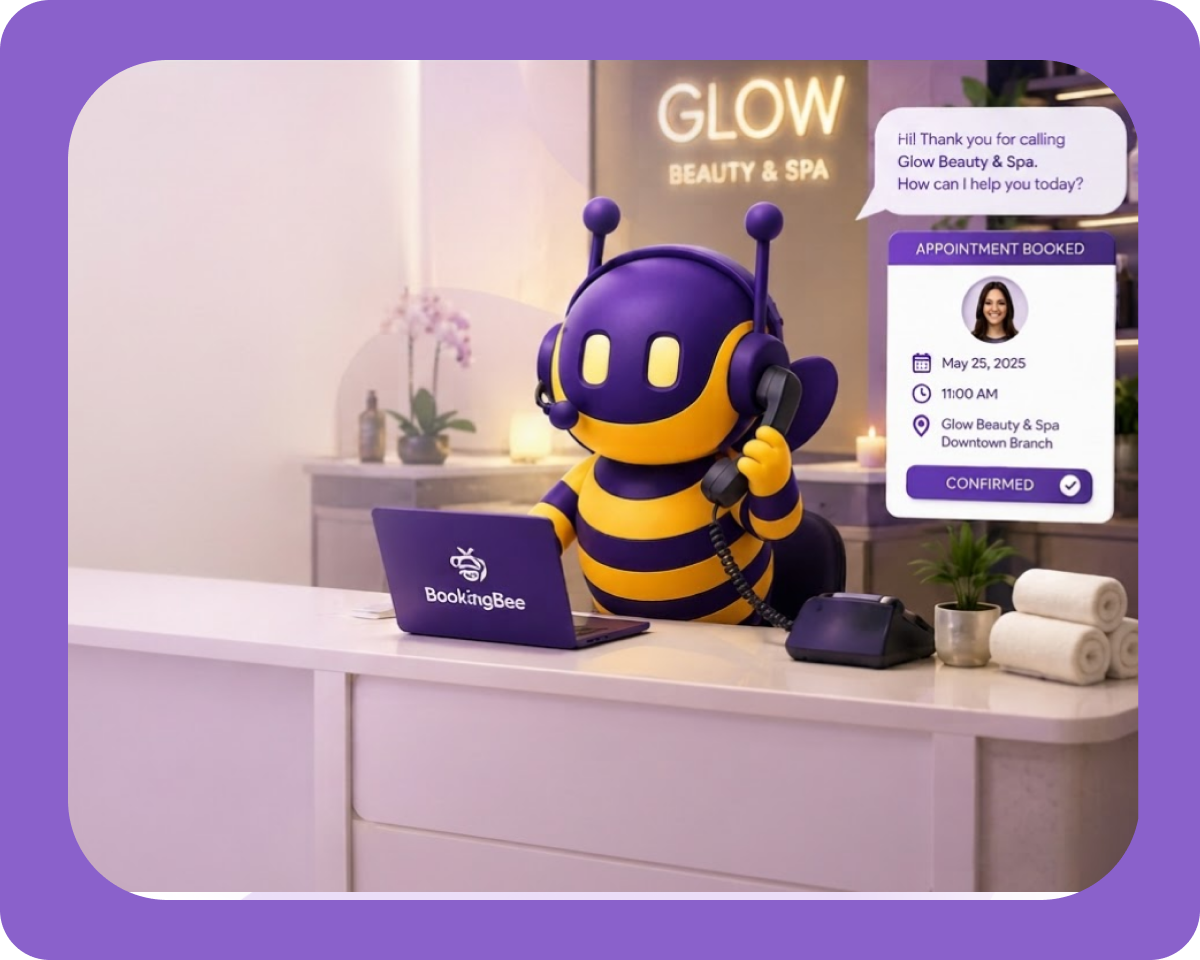
- AI receptionist: answers calls and messages 24/7, books appointments directly into your calendar and handles common questions, so you never miss a booking while you’re with a client
- Payment gateways and accounting tools like QuickBooks
- Marketing platforms such as Mailchimp
- Website, Google Calendar and social media integrations
If a tool you rely on isn’t supported, ask whether there’s an open API or a Zapier connection.
10. Mobile-Friendly Experience
Clients book from their phones, so the booking experience must be fast and simple on mobile. The same goes for your team: owners and stylists should be able to check schedules, approve bookings and view client notes from a mobile app.
Test it yourself on your phone before you buy. If it’s clunky for you, it’ll be clunky for clients.
11. Multi-Location Support
If you have more than one salon, or plan to open another, you need software that manages every location from a single account while keeping each branch’s staff, schedules and reports separate.
Look for:
- Location-wise staff scheduling and service menus
- Combined and per-location reporting
- Shared client profiles across branches
- Central control over pricing and permissions
12. Data Privacy and Security
Your client data is valuable and sensitive, so the software must protect it with secure storage, controlled access and reliable backups.
Ask about:
- Encryption and PCI-compliant payment handling
- Role-based access (front desk vs. stylist vs. owner)
- Automatic data backup and recovery
- Who owns your data, and whether you can export it if you leave
13. Ease of Use and Onboarding
The software your team will actually use is the one that’s easy to learn. A powerful system with a confusing layout often ends up half-used.
Before deciding:
- Sign up for a free trial or ask for a live demo
- Have your front desk and one stylist test daily tasks
- Ask what onboarding and training are included
- Check whether they’ll import your existing clients and appointments
14. Customer Support
When something breaks on a busy Saturday, you need help fast. Check which support channels come with your plan and when they’re available.
Confirm:
- Live chat, phone and email support availability
- Support hours that match your salon’s hours
- A help center with guides and videos
- Whether priority support costs extra
15. Pricing and Contract Terms
The right price is one that fits your salon’s size and the features you’ll really use, with no surprise fees. Compare the total monthly cost, not just the headline price.
Compare:
- Monthly vs. annual subscription pricing
- Per-staff or per-location charges
- Payment processing and text-message fees
- Contract length and cancellation terms
- What’s included in each plan, including support
Quick Checklist: How to Make the Final Decision
The fastest way to decide is to shortlist two or three tools, test them against your real daily workflow and choose the one your team finds easiest to use.
- List your must-haves. Write the five features you can’t run your salon without.
- Shortlist two or three options that cover those must-haves within your budget.
- Run a free trial. Book a test appointment as a client, then manage it as staff.
- Check reviews from salons of a similar size and type.
- Ask about switching. Confirm data import, training and setup support.
- Calculate the real cost including processing, SMS and add-on fees.
Final Thoughts
Choosing salon booking software comes down to knowing what your business needs today and where you want it to go. Start with the essentials (online booking, scheduling, payments and reminders), then look at the extras that save you time, like an AI receptionist that answers calls when your hands are full. The right software should give you hours back each week, keep your chairs full and grow with your salon.
Frequently Asked Questions
The best salon booking software for a small salon is one that’s easy to set up, affordable and covers the essentials: online booking, staff scheduling, payments, automated reminders and client profiles. Skip features you won’t use. Start with a free trial, test it with your team, and make sure it can grow with you if you hire more stylists.
Salon booking software pricing ranges from free basic plans to a few hundred dollars a month, depending on your number of staff, locations and features. Most providers offer monthly or annual plans, with annual billing usually cheaper. Always ask about extra costs such as payment processing, text-message reminders, marketing add-ons and premium support before you commit.
Yes. Salon booking software reduces no-shows mainly through automated text and email reminders sent before each appointment. Requiring deposits or a card on file for longer services adds accountability, and a clear cancellation policy shown at booking sets expectations. Waitlists help too, automatically offering last-minute openings to other clients so a cancelled slot doesn’t become lost revenue.
Yes, many salon booking platforms integrate with an AI receptionist. The AI answers calls and messages 24/7, checks live availability, books or reschedules appointments directly in your calendar and answers common questions about prices and hours. It means you stop losing bookings to missed calls while you and your team are busy with clients.
Most salons can switch to new salon booking software within a few days to two weeks. The timeline depends on how much client data you’re moving, how many staff and locations you have and how much training your team needs. Choose a provider that imports your client list and future appointments and offers guided onboarding.
 Since many of our customers speak Spanish, the multilingual capability has been really helpful. The AI speaks Spanish naturally, and our customers seem comfortable interacting with it.

Ready to get more from your salon booking software?
Pair it with BookingBee's AI receptionist to answer every call, book appointments around the clock and keep your chairs full, even after hours.
Book A Demo


Latest Blogs
Best practice
November 9, 2026Best Medical Spa Software in 2026: Top 7 Picks Compared
The best medical spa software combines clinical charting, easy online booking, flexible payments and clear reports in one system. For most US med spas in 2026, the top picks are…

Best practice
November 9, 2026Salon Insurance: 8 Types Every Salon Owner Should Know About
Salon insurance is a set of business policies that pays for lawsuits, injuries, property damage and lost income, so one bad day doesn’t wipe out years of hard work. If…
Best practice
September 2, 2026How Salons Generated $1M+ With One Move
Every salon owner is chasing growth. New ads. New offers. New retail shelf. New social posts at midnight. But the salons crossing seven figures didn’t do more. They fixed one…