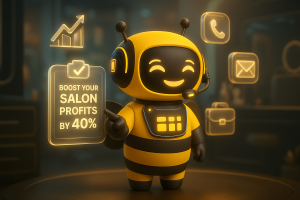

You can set up an AI receptionist for your salon in under a day, no technical experience required. Most salons simply connect their business phone number, integrate their booking software, and customize the AI to start handling calls within 24-48 hours.
Running a salon means constantly managing appointment bookings, client calls, walk-ins, and staff coordination at the same time. As call volume increases, many salons start missing bookings simply because every call cannot be answered immediately.
That’s where an AI receptionist helps.
An AI receptionist for salons can answer calls, schedule appointments, respond to client queries, and handle after-hours inquiries 24/7 without needing a full-time front desk employee. Modern AI receptionist tools can also integrate directly with salon booking platforms like Mindbody, Meevo, Phorest, Square, and Booker, making setup much easier than many salon owners expect.
In this step-by-step guide, you’ll learn how to set up an AI receptionist for your salon, what tools you need before onboarding, common setup mistakes to avoid, and how platforms like BookingBee.ai help salons automate calls without disrupting their existing workflow.

Why Are Salons Switching to AI Receptionists?
Missed calls mean missed revenue. Studies consistently show that over 60% of callers who reach voicemail don’t leave a message, they call a competitor instead.
Beyond missed calls, front desk staff at busy salons spend 3-5 hours daily on repetitive phone tasks: booking reminders, service questions, directions. An AI receptionist absorbs that load entirely, freeing your staff to focus on the client in the chair.
The business case by salon type:
- Solo salon owner: No front desk at all, AI handles all calls while you’re with clients
- Multi-staff salon: Eliminates phone queue overflow during peak hours (Friday afternoons, holiday rushes)
- Multi-location salon: Consistent call handling across all locations, same voice, same policies
What Do You Need Before Setting Up an AI Receptionist?
Before you start any AI setup, three things must be in place. Skip any of these and your onboarding will stall.
1. A confirmed business phone number This can be your existing landline or VoIP number. Most AI receptionist tools use call forwarding or number porting, you don’t need to change your number. Clients call the same number they always have.
2. Access to your booking software You’ll need admin-level login credentials for your salon management system (Meevo, Phorest, Mindbody, Square Appointments, Booker, etc.). The AI pulls real-time availability directly from this system.
3. A documented list of your services and policies This is the step most salons skip, and it causes problems later. Before onboarding, prepare:
- Full service menu with duration and prices
- Staff names and their specialties
- Cancellation and no-show policy
- Deposit requirements (if any)
- After-hours handling preference (book directly vs. take a message)
How Do You Choose the Right AI Receptionist for Your Salon?
Not all AI receptionist tools are built for salons. Generic virtual receptionist platforms can handle basic call routing, but they won’t integrate with salon-specific booking software or understand industry terminology like “balayage,” “express facial,” or “add-on services.”
What to evaluate:
| Feature | Why It Matters |
| Native booking software integration | Without this, the AI can’t check real availability or confirm bookings |
| Voice customization | Clients notice robotic voices, a natural, branded tone builds trust |
| After-hours call handling | This is where most revenue leaks happen |
| Call routing rules | Ability to send specific call types (complaints, new clients) to a human |
| Onboarding support | Salon-specific setup guidance matters for first-time users |
Avoid tools that only offer SMS bots or chatbots positioned as “AI receptionists.” If it can’t handle a live voice call, it won’t replace your front desk.
Step-by-Step Guide to Setting Up an AI Receptionist
Here’s how the full setup process works from start to finish. Most platforms follow this sequence with minor variations.
Step 1, Connect Your Phone Number
You have two options: call forwarding or number porting.
- Call forwarding (recommended for most salons): Your existing number stays in place. Calls automatically forward to the AI when you’re busy, after hours, or when the line rings more than X times. Setup takes under 10 minutes.
- Number porting: You transfer your number to the AI platform. This takes 3-7 business days and is better suited for salons that want the AI to handle all calls by default.
Call routing rules to configure at this stage:
- Ring X times before AI picks up (2-3 rings is standard)
- Forward immediately after hours (define your hours)
- Escalation path: if a caller presses 0 or says “speak to someone,” route to your cell or front desk.
Step 2, Integrate Your Booking Software
This is the most important technical step. Without a live integration, your AI will be booking appointments blindly, without knowing if a time slot is actually available.
Most salon AI platforms support direct API connections to major booking systems. Once connected, the AI can:
- Check real-time availability for each staff member
- Book appointments and send confirmations
- Reschedule or cancel without double-booking
- Apply your booking rules (minimum notice required, buffer time between appointments)
Common integration challenges:
- Permissions error: Ensure you’re using an admin account, not a staff-level login
- Sync delay: Some platforms sync every 5–15 minutes, not in real time, confirm this before going live
- Multi-staff calendars: Map each staff member correctly so the AI books with the right person.
Step 3, Train the AI on Your Services and Policies
“Training” doesn’t mean coding. It means feeding the AI your salon’s information through a setup interface, usually a form, document upload, or guided Q&A.
What to input:
- Complete service menu (name, duration, price, any deposit required)
- Staff availability and specialties
- Cancellation policy (e.g., “24 hours notice required, 50% charge for no-shows”)
- FAQ answers: parking, accessibility, product brands used, gift cards
- Escalation triggers: what questions should be handed to a human?
Practical example, Balayage booking: If a client calls asking for balayage, the AI should know it’s a 3-hour service, requires a consultation for first-timers, and is only available with certain stylists. Without this, it may book a 45-minute slot and create a scheduling disaster.
Step 4, Customize the Voice and Greeting
Your AI receptionist is often the first impression a new client gets. A generic “Hello, how can I help you?” doesn’t reflect your brand.
What to personalize:
- Greeting script: “Thank you for calling [Salon Name], this is [AI Name]. How can I help you today?”
- Voice tone: warm and conversational for lifestyle salons, professional and precise for medical spas
- AI persona name: some salons give the AI a name (e.g., “Aria” or “Jade”) for a more personal feel
- Language options: if your client base includes non-English speakers, configure multilingual handling
After-hours greeting example:“Hi, I’m Emma AI assistant Thank you calling [Salon Name], I can book your appointment. What service are you looking for?”
This single script change recovers a significant number of after-hours leads that would otherwise be lost.
What Are the Most Common Setup Mistakes Salons Make?
The biggest mistake is going live before testing. The second biggest is under-training the AI on edge cases.
Mistakes to avoid:
- Vague cancellation policy inputs: If you tell the AI “we charge for no-shows,” it needs exact numbers, percentage or flat fee, timeframe, and how exceptions are handled
- No escalation path: Every AI setup needs a clear human hand-off option. Clients calling with complaints or sensitive requests should always reach a person
- Skipping the test call phase: Always run 15–20 test calls covering different scenarios before your official launch date
- Not updating the AI after menu changes: When you add or remove services, update the AI immediately, it won’t know on its own
- Leaving after-hours rules unconfigured: This is where you’ll either win or lose bookings every night
How Long Does Salon AI Onboarding Usually Take?
For most salons with a single location and one booking system, full setup takes 1–3 business days.
Realistic timeline:
| Phase | Time Required |
| Phone number connection | 30 minutes – 1 hour |
| Booking software integration | 1 – 4 hours |
| Service and policy training | 2 – 4 hours |
| Voice/greeting customization | 2 – 4 hours |
| Testing and QA | 4 – 8 hours (spread across 1-2 days) |
Multi-location salons with complex staff structures or custom booking rules may take 1-2 weeks to fully configure and test.
How Do You Test Your AI Receptionist Before Going Live?
Testing is non-negotiable. Run structured test calls that cover the full range of what real clients will ask.
Test call checklist:
- Book a standard appointment (service, date, time, staff preference)
- Request a reschedule
- Ask for pricing on 3 different services
- Ask an off-script question (e.g., “Do you do bridal hair?”)
- Call after hours and attempt to book
- Ask to speak with a human, confirm escalation works
- Test what happens when a requested time slot is unavailable
- Test with background noise to check voice recognition accuracy
Have 2-3 staff members run these calls independently and document every gap. Fix each gap before going live.
What Metrics Should Salons Monitor After Setup?
Once live, track these four numbers weekly for the first 30 days.
- Call answer rate: Percentage of inbound calls the AI successfully handles (target: 85%+)
- Booking conversion rate: Calls that result in a confirmed appointment
- Escalation rate: How often callers request a human (high escalation = gaps in AI training)
- After-hours bookings: Direct measure of revenue recovered that would otherwise be missed
Most AI platforms include a dashboard with these metrics. Review weekly for the first month, then monthly once performance stabilizes.
How Do You Handle Client Concerns About Talking to an AI?
Some clients will notice, and a small percentage will object. This is normal and manageable.
What most clients actually care about:
- Was their appointment booked correctly?
- Was the interaction fast and easy?
- Did they get the information they needed?
If yes to all three, most clients won’t complain about the AI.
For clients who ask directly: Train your staff to be transparent. “We use an AI assistant to handle booking calls, it syncs directly with our calendar so your appointment is confirmed instantly.” Most clients appreciate the honesty and the efficiency.
For clients who insist on a human: Ensure your escalation path is seamless. A client should never feel trapped in an AI loop with no exit.
Pros and Cons of AI Receptionist Setup for Salons
Pros
- 24/7 availability, captures bookings outside business hours with no additional cost
- Eliminates phone queue overflow, no more clients on hold during busy hours
- Consistent client experience, every caller gets the same professional greeting and accurate information
- Reduces front desk workload, staff spend more time on in-person client experience
- Scales easily, adding a second location doesn’t require hiring another receptionist
Cons
- Initial setup time, thorough onboarding takes 1–3 days of focused effort
- Training gaps cause errors, incomplete service data leads to mis-bookings early on
- Not ideal for complex consultations, new client consultations or color corrections often need human nuance
- Ongoing maintenance required, menu changes, policy updates, and seasonal promotions must be manually updated
- Client adoption curve, a small segment of older or less tech-comfortable clients may require adjustment time
Real Example: A Multi-Staff Salon That Implemented AI Successfully
Here is the Salon D case study, 30+ stylist salon in a busy suburban area was losing an estimated 40+ bookings per month to missed calls, calls that hit voicemail during peak hours or after 7pm. The front desk team was fielding 80–100 calls daily, of which roughly 70% were routine booking requests.
What they set up:
- AI call handling with a 3-ring trigger (AI picks up if not answered within 3 rings)
- Full Mindbody integration with real-time calendar sync
- Separate routing for new client calls (AI books an initial consultation, not a full service)
- After-hours booking enabled with a custom evening greeting
Results after 60 days:
- 94% of calls answered without voicemail
- After-hours bookings increased from near-zero to 28 per month
- Front desk staff redirected approximately 2.5 hours daily from phone calls to client-facing tasks
- Zero double-bookings reported during the period
The key to their success: they spent 3 hours pre-launch testing edge cases and updating the AI’s service training before going live.
Final Thoughts: Your Next Step Toward Smarter Salon Operations
Setting up an AI receptionist for your salon is no longer a complicated or expensive process. With the right platform, most salons can start automating calls, appointment bookings, FAQs, and after-hours inquiries within just a few days.
The key is choosing a solution that fits your salon’s workflow, integrates with your existing booking software, and delivers a smooth experience for your clients. Whether you run a solo salon or manage multiple locations, an AI receptionist can help reduce missed calls, improve booking efficiency, and free up your team to focus more on in-person client experiences.
More importantly, AI is not just about replacing front desk tasks, it’s about making your salon more responsive, scalable, and available to clients 24/7.
If you’re planning to implement AI in your salon, start simple:
- Connect your business number
- Integrate your booking system
- Personalize how the AI interacts with clients
Platforms like BookingBee.ai make this process easier by combining salon-specific call handling, booking integrations, and customizable AI conversations into one streamlined setup experience.
Frequently Asked Questions
Yes. Multi-location salons may need separate call routing, location-specific greetings, and calendar integrations for each branch.
Yes. AI receptionists can be trained to handle different service categories such as hair, nails, spa treatments, or consultations.
Salons should review and update AI workflows whenever pricing, services, staff schedules, or booking policies change.
Most providers offer test environments or trial periods so salons can review call quality, booking flow, and responses before launch.
Many salon AI receptionists support both voice calls and SMS conversations for booking confirmations, FAQs, and follow-ups.
 We partnered with BookingBee last December and increased conversion rates from 27% to 41% in three months. It captures after-hours calls, simplifies booking for busy clients, and integrates seamlessly with Meevo for a flexible client experience.

Set up your salon AI receptionist today
See how BookingBee.ai connects your phone, booking system, and client conversations in just a few simple setup steps.
Book A DemoRelated Posts
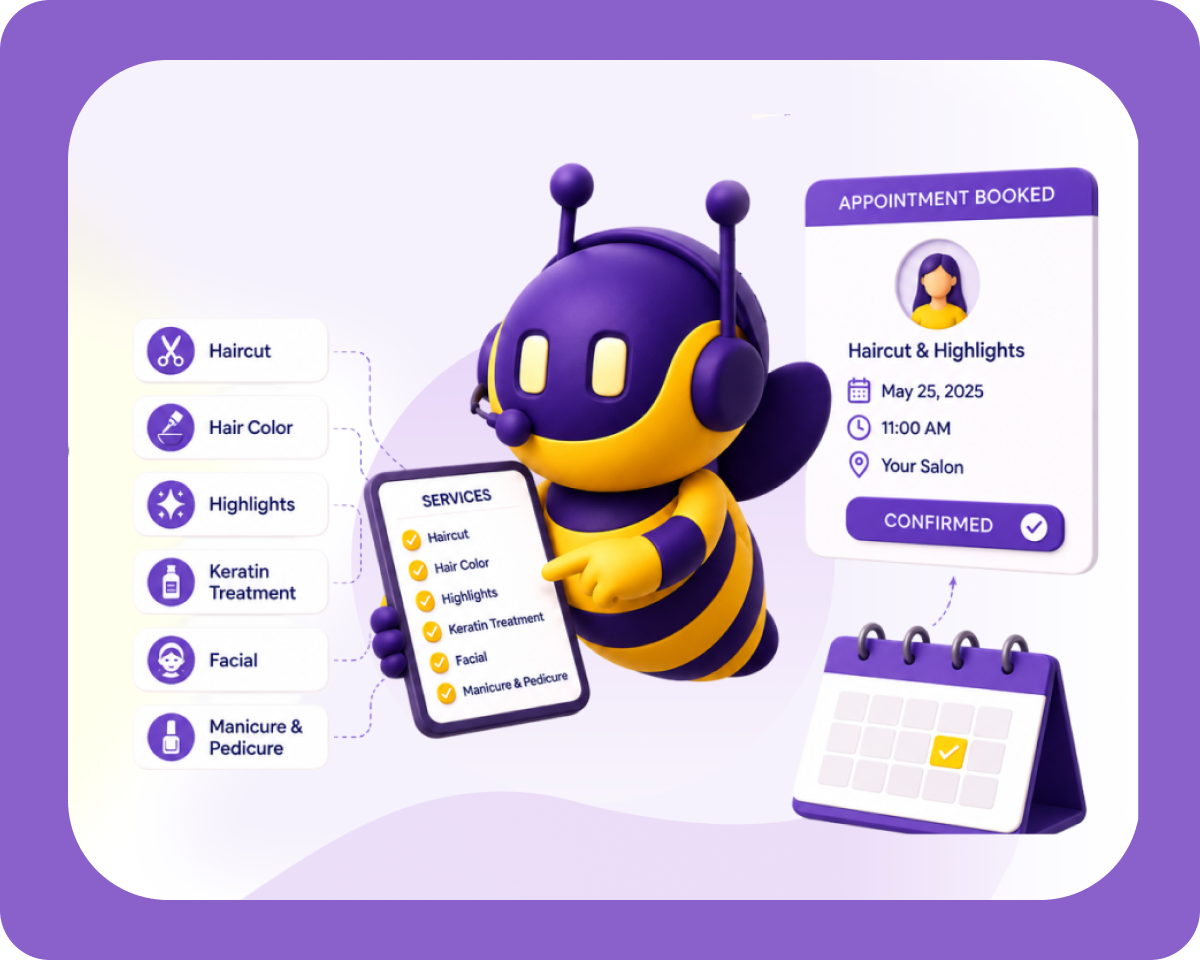
How To Train An AI receptionist On Your Salon’s Specific Services

After-Hours Salon Booking: How to Capture Every Late-Night Call
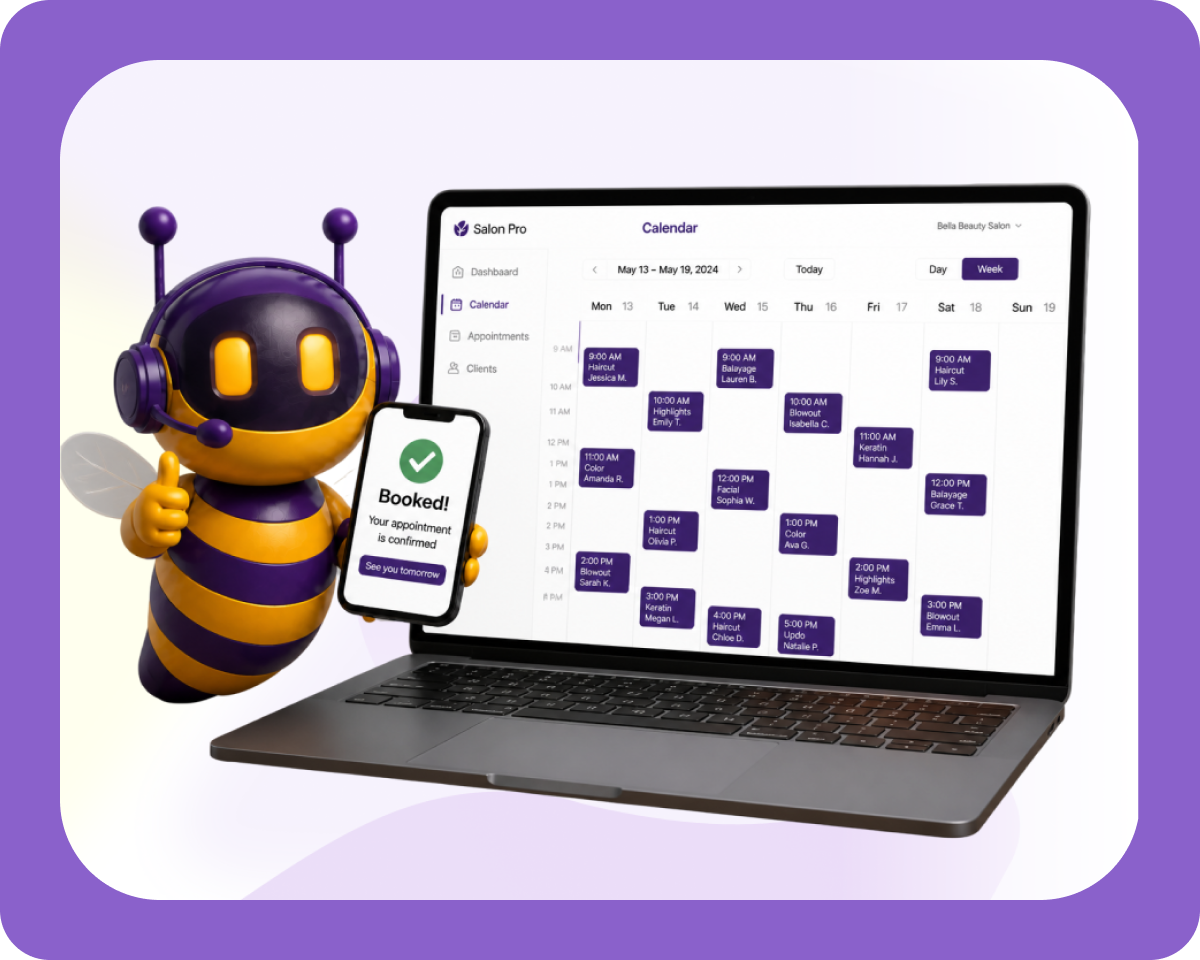
How to Fill Your Salon’s Calendar: Waitlists, Cancellation Recovery
How to Increase Salon Revenue: 10 Strategies That Actually Work in 2026
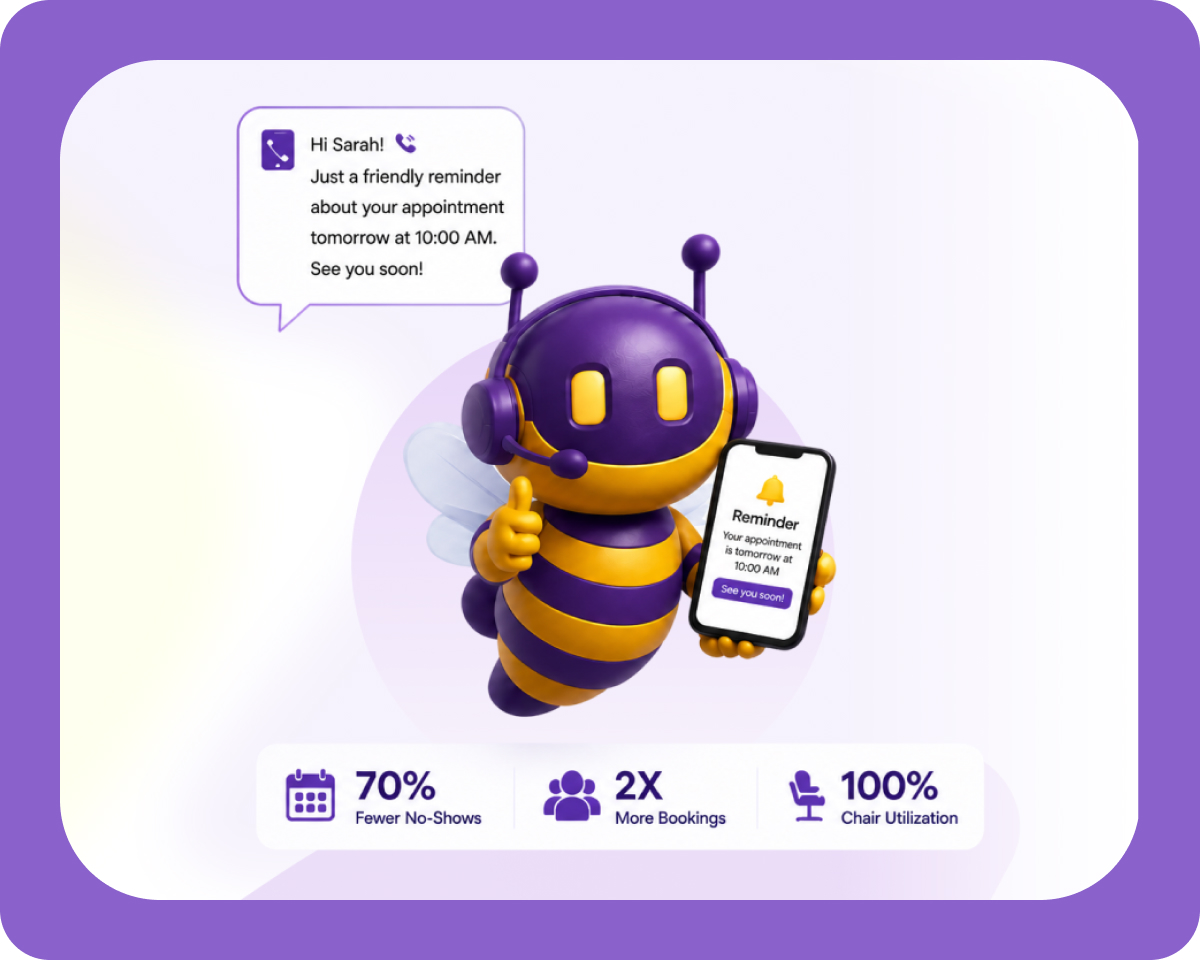
How to Reduce No-Shows at Your Salon: The Complete 2026 Playbook
Latest Blogs
Best practice
July 11, 2026How To Train An AI receptionist On Your Salon’s Specific Services
Every salon runs differently. Your pricing, your stylists’ specialties, your cancellation rules none of that is “one size fits all.” So before you hand off your phone lines to automation,…
Best practice
July 9, 2026After-Hours Salon Booking: How to Capture Every Late-Night Call
Your salon closes at 7 PM, but your clients don’t stop thinking about their next appointment when the lights go off. A working mom remembers she needs a haircut at…
Best practice
July 9, 2026How to Fill Your Salon’s Calendar: Waitlists, Cancellation Recovery
A fully booked calendar and a “pretty good” calendar look almost identical from the outside. The difference shows up at the end of the month in the gaps nobody noticed…